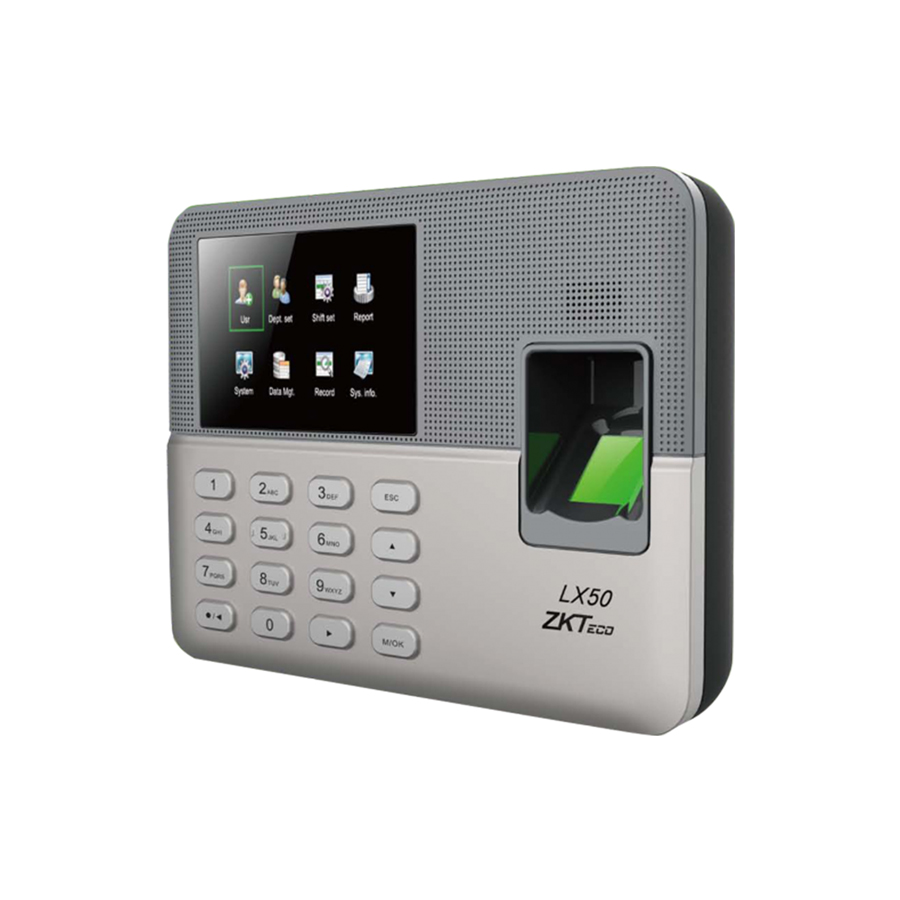
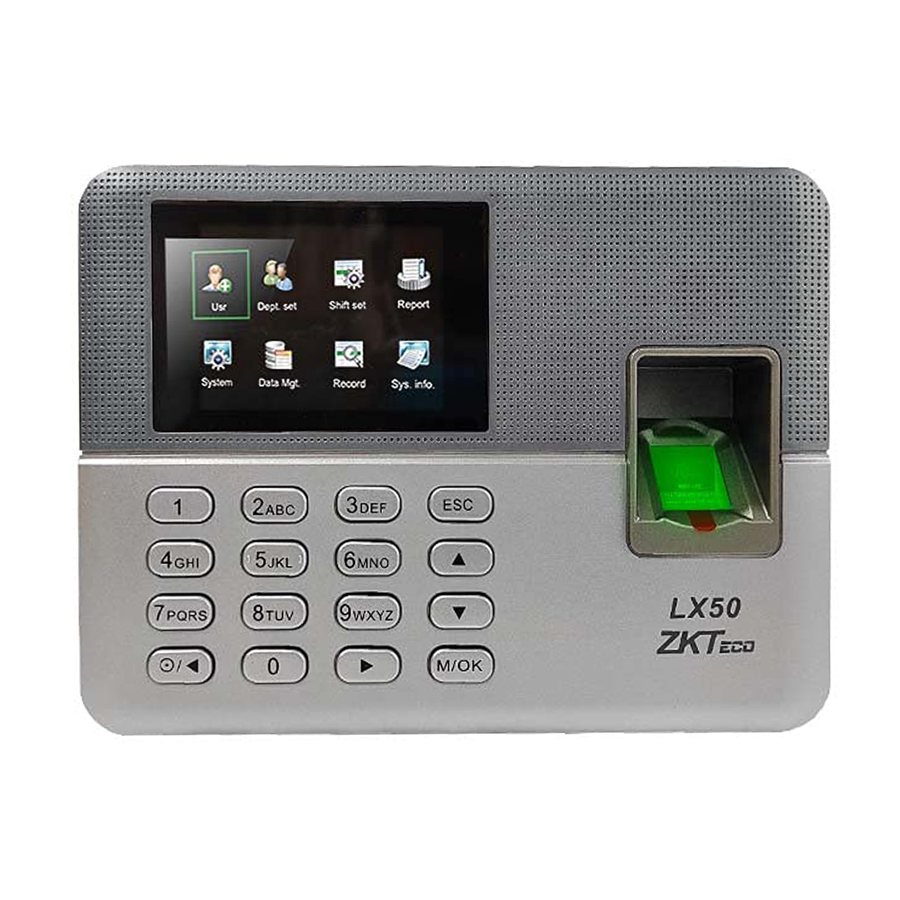
LX50
Fingerprint Time & Attendance
ZKTeco LX50 Main Features:
Stand-alone Biometrics
SSR Report Function
Built-in Scheduler Bell
Communication: USB Host, USB Client
Specifications:
User Capacity: 500
Fingerprint Capacity: 500
Transaction: 50,000

Fast Delivery

Support Guaranty

1 Year Warranty
Learn more about this product
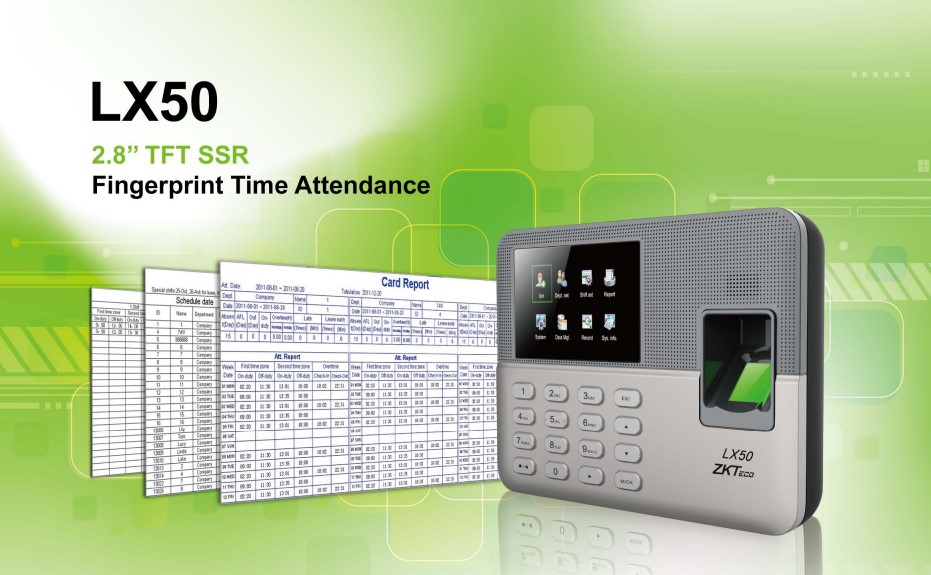
The ZKTeco LX50 fingerprint time clock is designed specifically for small businesses, like chain stores. It simplifies employee attendance management with features like Self-Service Recorder (SSR) reports. These reports can be exported in a secure Excel format, keeping employee privacy protected by redacting sensitive information.
The LX50 boasts a sleek and compact design that integrates seamlessly into your workspace. The vibrant 2.8-inch TFT display offers a clear interface for easy navigation. With USB Host and Client connectivity, data transfer is a breeze. Most importantly, the LX50 delivers dependable fingerprint recognition for accurate and efficient timekeeping.
LX50 Specification
Algorithm Version: ZKFinger VX 10.0
User Capacity: 500
Fingerprint Capacity: 500
Transaction: 50,000
Communication: USB Host/Client
Standard Function:
- Scheduled bell
- SSR recorder
- 9-digit user
- T9 input
- Record checking
- Multiple languages
Additional information
| Algorithm Version | ZKFinger VX 10.0 |
|---|---|
| User Capacity | 500 |
| Fingerprint Capacity | 500 |
| Transaction Capacity | 50,000 |
| Communication | USB Host Client |
| Standard Function | Scheduled-bell, SSR recorder, 9-digit user, T9-input, Record checking, Multiple Languages |
| Dimension | 182 x 132 x 32mm (W x H x L |
What's in the box
 |
 |
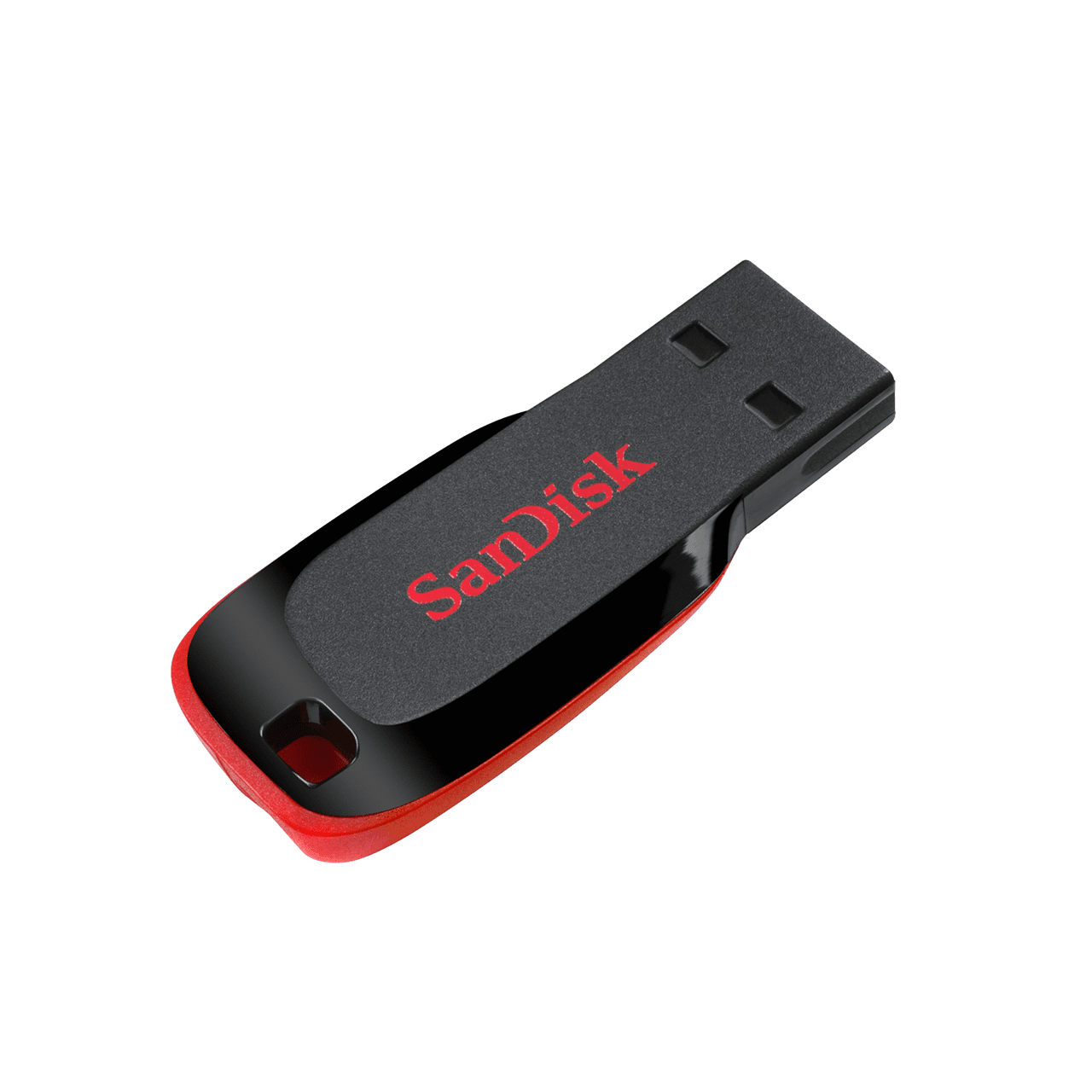 |
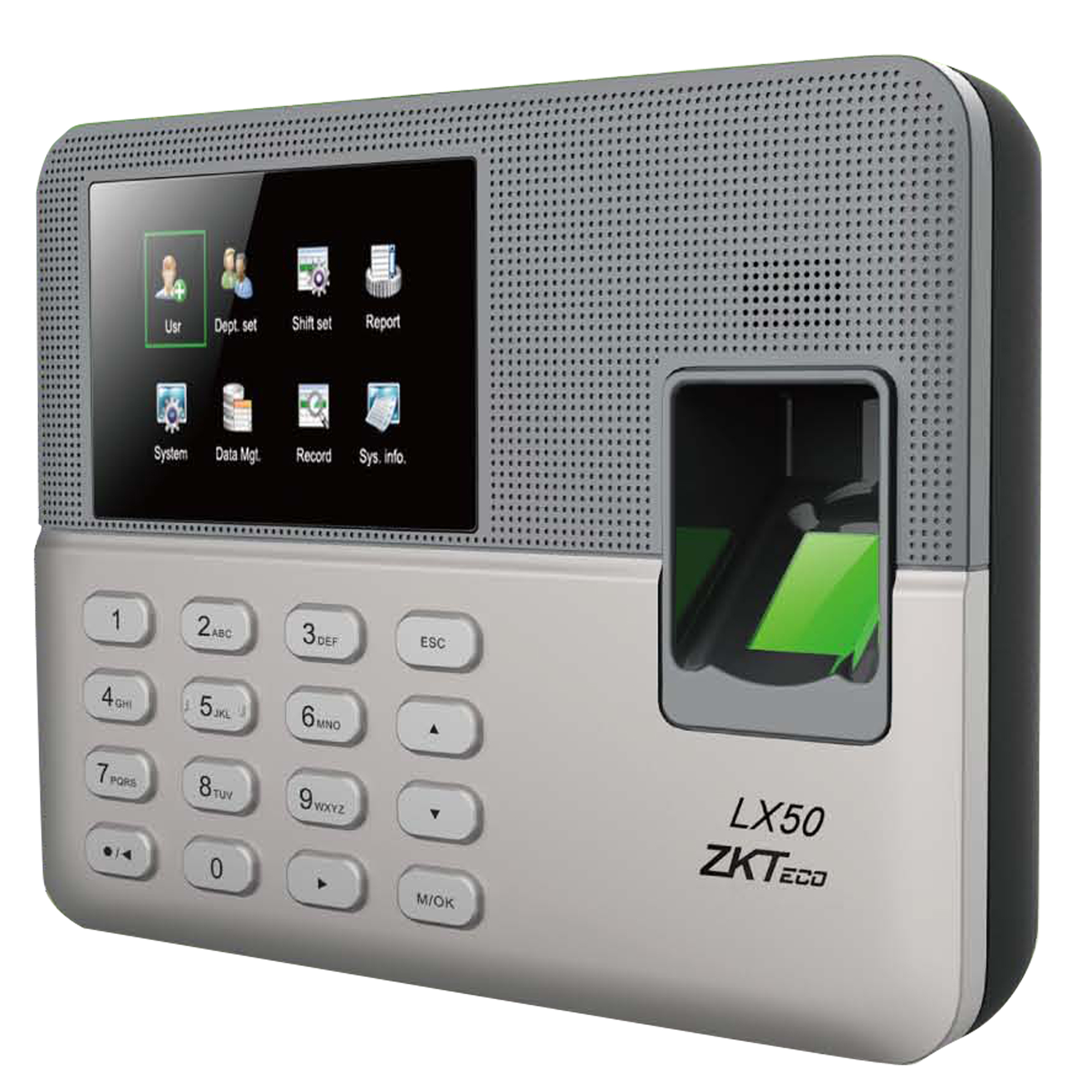
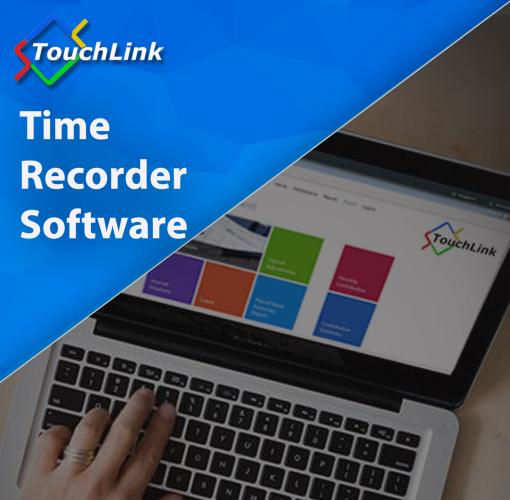
| 1 x LX50 unit | 1 x FREE TouchLink Time Recorder Software | 1 x 16GB Sandisk Flash Drive |
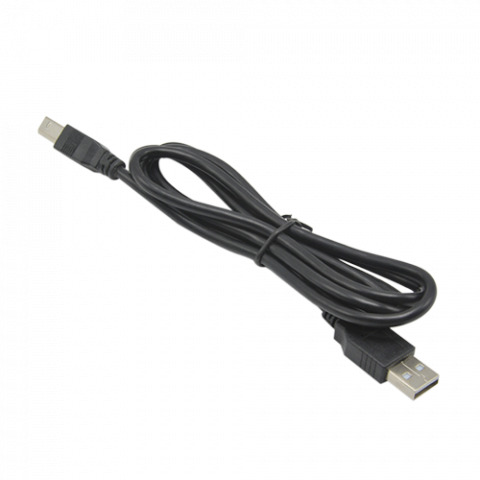 |
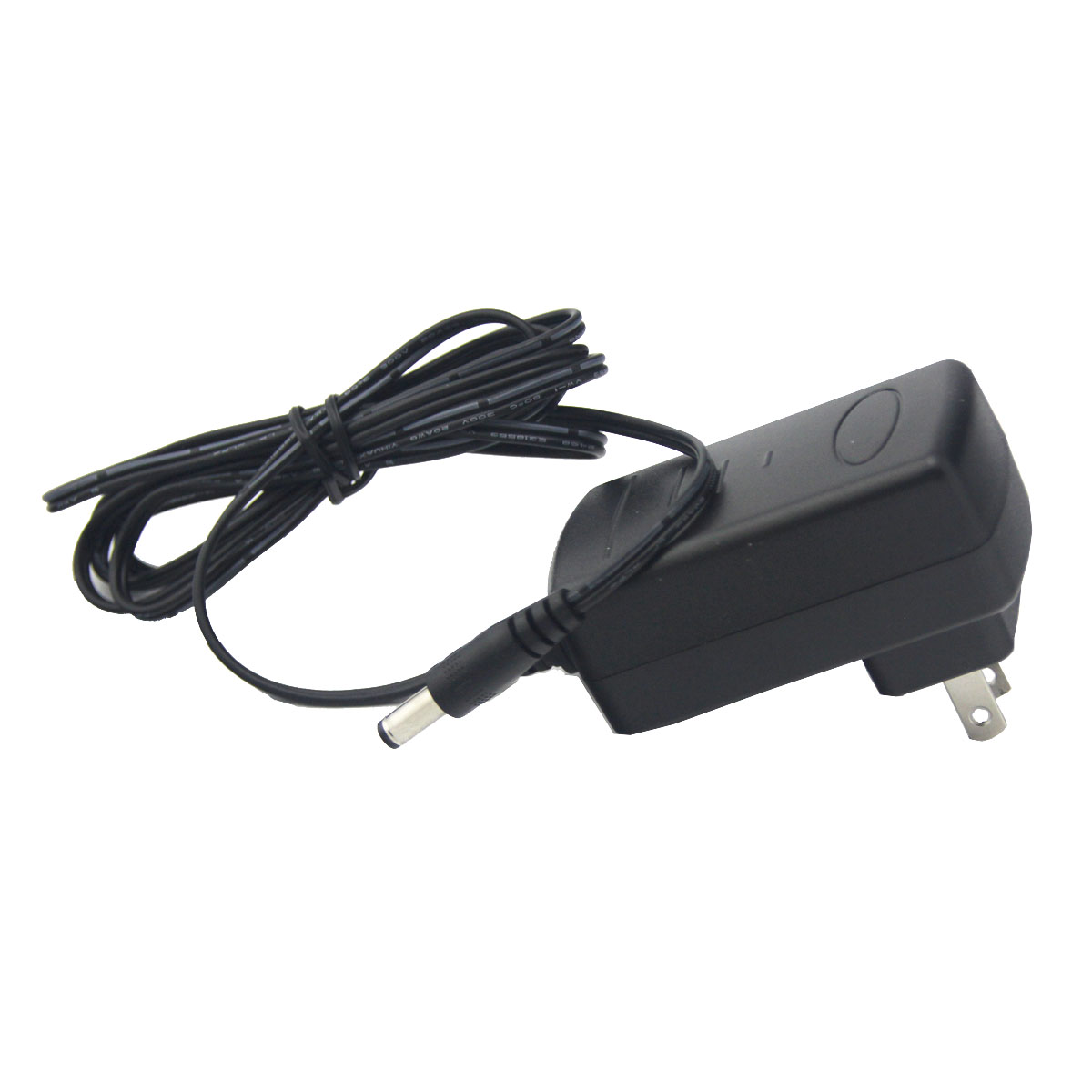 |
|
| 1 x USB Cable | 1 x Power Adaptor |
Video Manual
Get a FREE Quote Today!
Get in touch with us now and let's start building your solutions with MySolutions.